Work Desktop + Web · Distributed systems
Event presentation platform: cloud, venue, and every room
A platform that gets every speaker’s presentation onto the right meeting-room screen at large conferences, and keeps working when the venue’s internet doesn’t.
Employer work · shared with permission
Screenshots
Select one to open it full screen. Numbered markers explain what each part does.
- The problem
- At a large conference, hundreds of presentations have to reach the right room on time, often over hotel internet that drops out. Technicians need to watch and control every room at once, and speakers need an easy way to hand over very large files.
- My approach
- A cloud platform plus a small Kubernetes server at each venue that holds its own copy of the event and keeps running offline. RabbitMQ keeps the two databases in step, files are mirrored to on-site storage, and every meeting room runs a locked-down desktop app built from the same React code as the web apps.
- What I built
- I designed the architecture and led the team that built it, and I wrote major parts myself, including the meeting-room desktop app, the shared-views monorepo, and a developer tool that runs the whole stack locally. The platform includes a speaker upload app, an admin app, a kiosk-mode room app that runs PowerPoint, Keynote, PDF, and video, a live ops dashboard, .NET, Node, and Go services, and a virus-scanning file pipeline.
What’s in the platform
- Speaker app (web): sign in, see your sessions, and upload presentations, including very large decks, with progress and validation.
- Admin app (web): set up events, rooms, and sessions, manage every file, and manage live caption streams for each room.
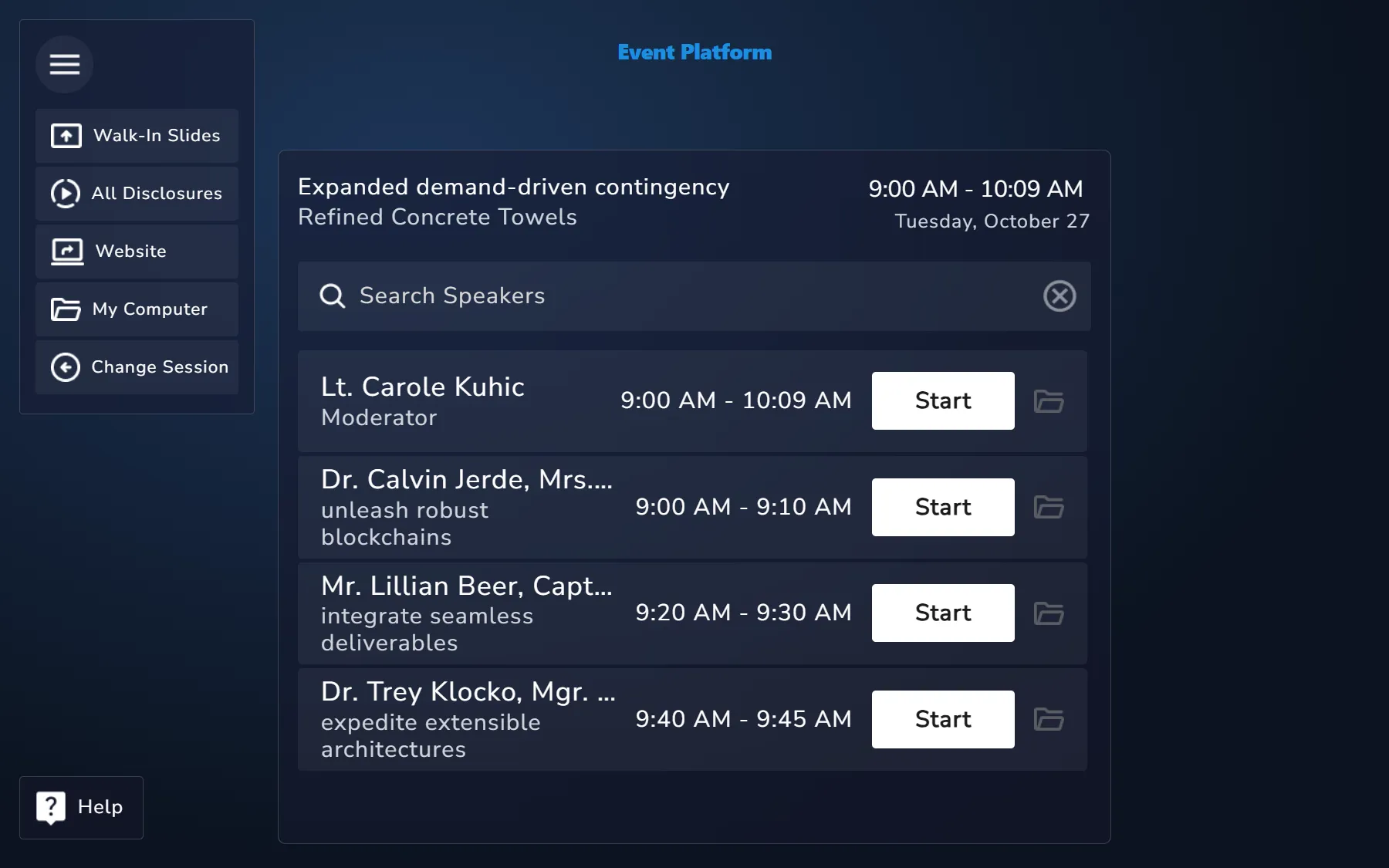
- Meeting-room app (Electron): runs in kiosk mode (blocks system keys, hides the taskbar), plays PowerPoint, Keynote, PDF, video, and looping walk-in slides, updates itself, and reports crashes and health.
- Ops dashboard (Electron): live status of every room over gRPC streaming, with commands back to each room, plus on-site event setup.
- Venue server: Kubernetes (K3s) with its own APIs, PostgreSQL, RabbitMQ, and MinIO, provisioned with Ansible and kept up to date with FluxCD.
- Sign-in: Auth0 with custom-branded login, SSO routing by email domain, role-based permissions, account lockout after repeated failed sign-ins, and a quick PIN sign-in for technicians.
- Observability: structured logs, traces, and metrics through OpenTelemetry.
- Developer tooling: a desktop app that starts, stops, and inspects the full cloud and venue stack on one machine.
Next step
Want something like this for your business?
Pick whichever is easiest. If there’s a good fit, I’ll send a short written scope. If not, I’ll tell you, and you’ll leave with at least one useful idea.
Book a 15-minute callPick a time that works for you. Opens my Google Calendar booking page.Choose a time ↗EmailSend a link to your site and what’s bugging you.brad@bradhobbs.dev
I reply within one business day.