Work Desktop · Charting and supervised trading
Sentinel: a Windows trading workstation
A Windows app that brings configurable market charts, level tracking, and a supervised options desk into one workspace.
Client work · shared with permission
Screenshots
Select one to open it full screen. Numbered markers explain what each part does.
- The problem
- Traders need to read charts, market levels, account state, and order checks together before making a decision. Those pieces are easy to lose when they live in separate tools and data feeds.
- My approach
- I built a Tauri desktop shell with React workspaces, a TypeScript gateway that normalizes market data, and a Go service that owns trading state and risk checks. Native access and broker credentials stay outside the web view.
- What I built
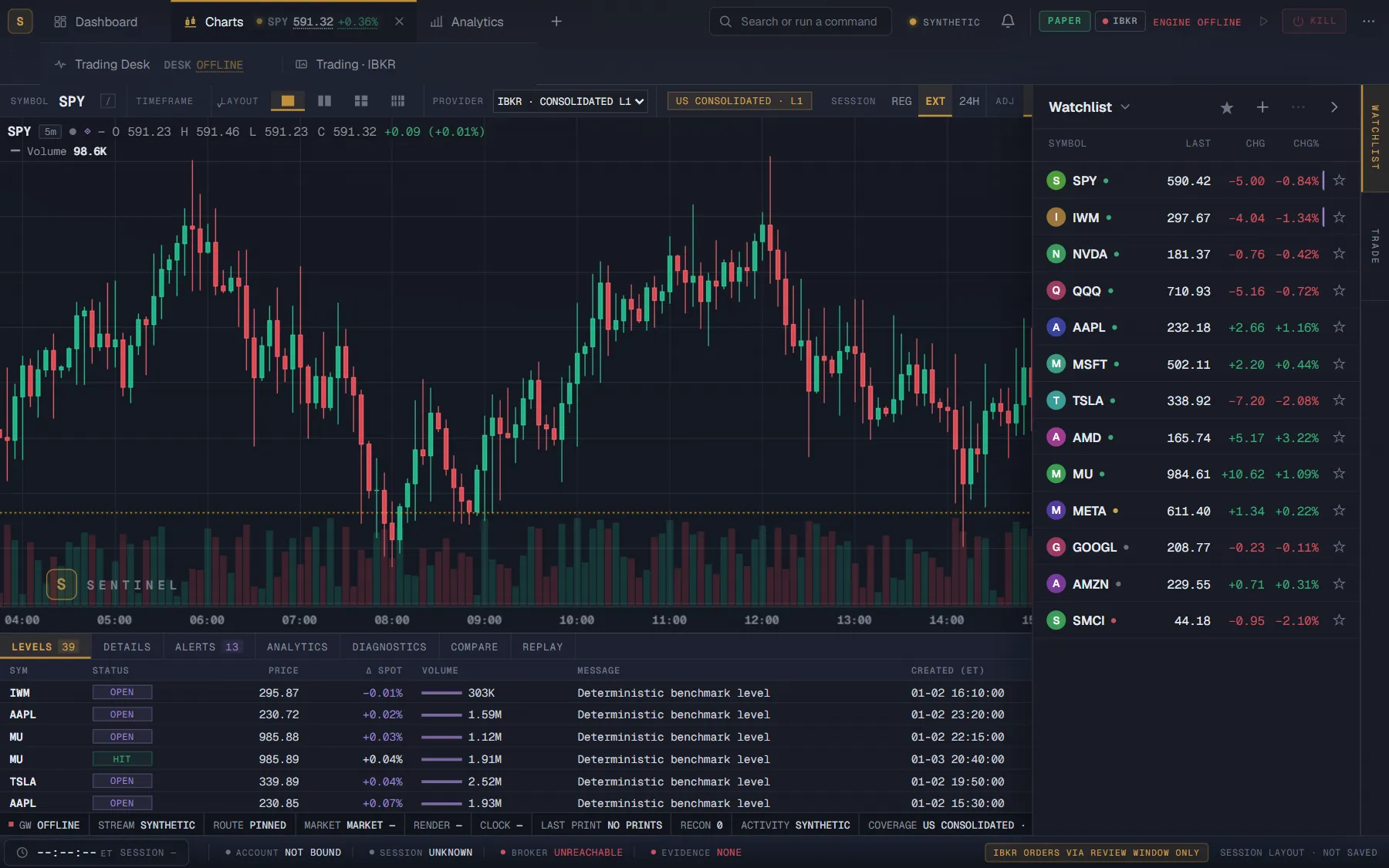
- I designed and built Sentinel solo. The code includes configurable chart layouts, studies and drawings, a level dock and watchlist, dashboard panels, an options chain and portfolio view, and an order ticket that leads to a separate review. The Go engine checks fresh broker evidence and coded limits before review and again before submission. Native market and broker features require their configured services; these captures use synthetic or illustrative development data.
The connected native app and its services are private. The chart screenshots here come from the browser’s synthetic mode; the options screenshots come from an explicitly labelled development fixture. They illustrate the interface and coded checks, not a live trading result.
Next step
Want something like this for your business?
Pick whichever is easiest. If there’s a good fit, I’ll send a short written scope. If not, I’ll tell you, and you’ll leave with at least one useful idea.
I reply within one business day.